
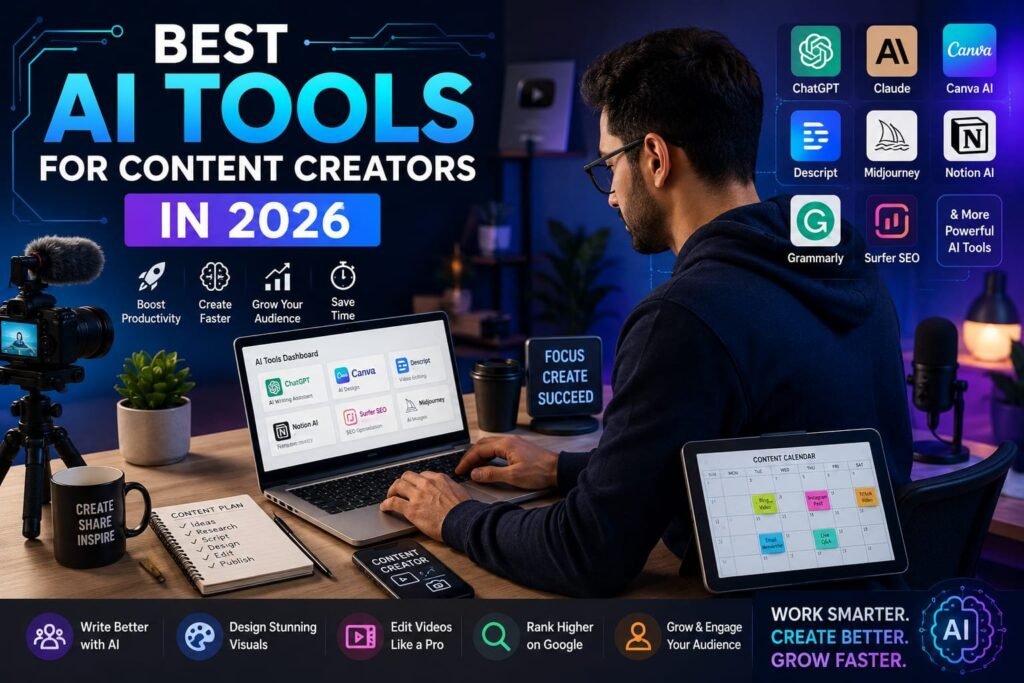
Creating digital content in 2026 is faster and more competitive than ever before. Whether you are a YouTuber, blogger, podcaster, Instagram or TikTok creator, freelance writer, or brand marketer, publishing high-quality content consistently across multiple platforms requires serious time and creative energy. That is why adopting the Top 10 AI Tools for Content Creators in 2026 has become essential for working smarter and scaling your audience without burning out.
Modern AI platforms are not here to replace human originality or storytelling. Instead, they eliminate repetitive bottlenecks—helping you brainstorm viral hooks, draft scripts and articles, generate custom visuals, edit video transcripts, and optimize every piece of content for search engines.
In this comprehensive guide, we break down the Top 10 AI Tools for Content Creators in 2026, complete with real creator examples, free vs. paid pricing, pros and cons, and a side-by-side comparison table. To explore vetted AI platforms across every industry beyond content creation, visit our 100+ Best AI Tools in 2026 Directory.
Why Content Creators Need the Top 10 AI Tools for Content Creators in 2026
Audiences in 2026 expect crisp audio, scroll-stopping thumbnails, well-researched scripts, and regular uploads across YouTube, blogs, newsletters, and short-form social feeds. Relying on purely manual workflows makes maintaining that pace nearly impossible for solo creators.
- 3x Faster Ideation & Scripting: Turn a rough topic into a structured YouTube script, blog outline, and social media thread in minutes.
- Studio-Grade Visuals Without a Design Team: Generate custom illustrations, thumbnails, and brand templates without expensive agency retainers.
- Text-Based Video & Podcast Editing: Cut filler words, generate accurate captions, and polish audio just by editing a text transcript.
- Higher Search & Discovery Traffic: Optimize written guides and video descriptions with real-time SEO insights so new viewers find you organically.
- Centralized Content Calendars: Track sponsorships, upload schedules, and research notes in one clean workspace.
Quick Comparison: Top 10 AI Tools for Content Creators in 2026
Compare the Top 10 AI Tools for Content Creators in 2026 side by side to choose the right tools for your creative workflow and budget:
| AI Tool | Best Creator Use Case | Free Plan | Starting Paid Price | Best For |
|---|---|---|---|---|
| ChatGPT | Scripts, Outlines, Hooks & Ideas | Yes | $20/month | All-Around Content Creators |
| Claude AI | Long-Form Guides & Storytelling | Yes | $20/month | Bloggers & Essayists |
| Canva AI | Thumbnails, Social Graphics & Decks | Yes | $15/month | YouTubers & Social Creators |
| Descript | Text-Based Video & Podcast Editing | Yes | $16/month | Podcasters & Video Creators |
| Jasper AI | Brand-Consistent Marketing Copy | Free Trial | $49/month | Agencies & Affiliate Marketers |
| Midjourney | Original Editorial & Concept Art | No | $10/month | Designers & Visual Storytellers |
| Leonardo AI | Custom Graphics & Social Assets | Yes | $12/month | Freelancers & Digital Creators |
| Notion AI | Content Calendars & Sponsor Tracking | Limited Trial | $10/month | Multi-Channel Creators |
| Grammarly | Grammar, Clarity & Tone Polishing | Yes | $12/month | Writers & Newsletter Creators |
| Surfer SEO | Real-Time NLP Blog Optimization | No | $89/month | SEO Bloggers & Publishers |
Top 10 AI Tools for Content Creators in 2026 (Detailed Reviews)
Below is a practical, hands-on breakdown of the Top 10 AI Tools for Content Creators in 2026, showing how each tool fits into a modern creator’s daily routine.
1. ChatGPT — Best All-in-One Brainstorming & Scripting Assistant
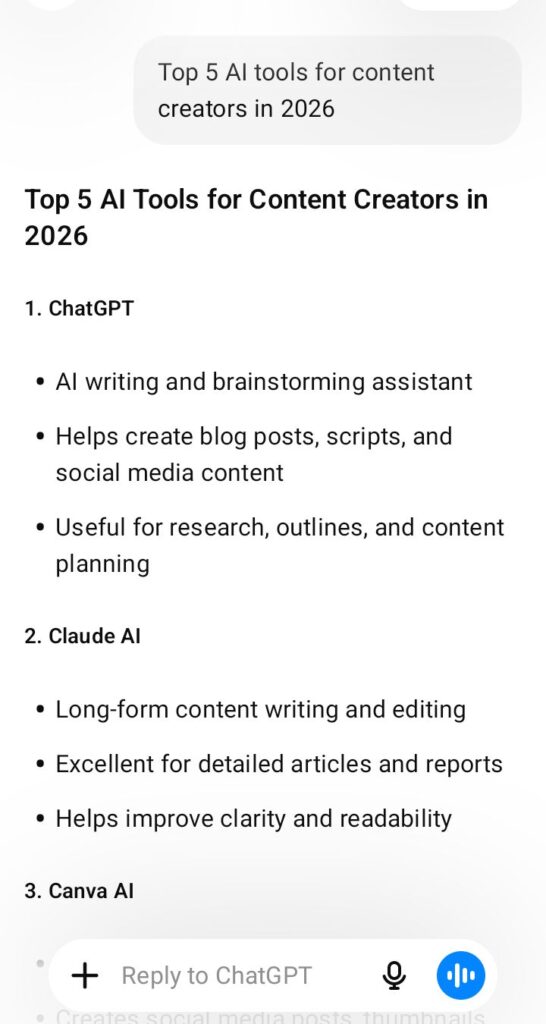
ChatGPT remains the most versatile starting point among the Top 10 AI Tools for Content Creators in 2026. Whether you are brainstorming 30 YouTube video ideas, outlining a 2,500-word blog post, writing punchy Instagram hooks, or drafting sponsor outreach emails, ChatGPT accelerates every stage of content planning.
- Key Features: Video script outlines, blog drafting, social media repurposing, headline variations, and Custom GPTs tailored to your channel’s voice.
- Pros: Generous free tier, fast responses, easy for beginners, and adaptable across text, image, and data tasks.
- Cons: Can sound generic without clear prompts and requires fact-checking for statistics or recent events.
- Pricing: Free tier available; ChatGPT Plus starts at $20/month.
- Real-Life Creator Example: A YouTuber feeds ChatGPT their rough video topic and asks for 10 high-CTR title angles, a 60-second intro hook, and a bulleted talking-points script before stepping in front of the camera. (Discover ways to turn AI workflows into income in our guide on how to make money with ChatGPT in 2026.)
2. Claude AI — Best for Long-Form Writing & Natural Storytelling
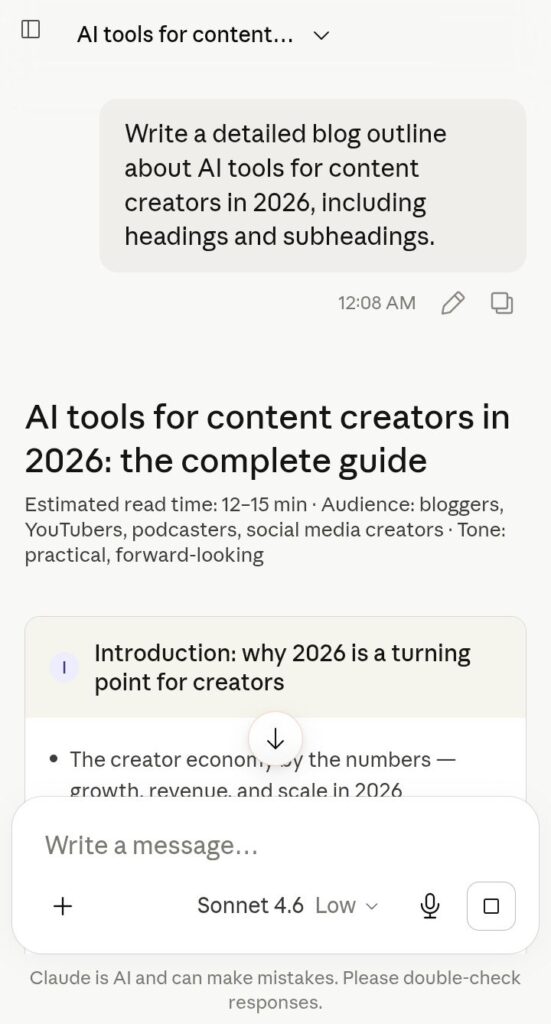
Claude AI is widely favored by bloggers, newsletter authors, and video essayists who want natural, human-sounding prose rather than repetitive robotic phrasing. Its large context window also makes it effortless to upload lengthy PDFs, transcripts, or research notes and turn them into structured guides.
- Key Features: Long-form drafting, multi-document PDF synthesis, style-consistent rewriting, and interactive Artifacts for outlines and code.
- Pros: Superior natural writing flow, strong reasoning on complex topics, and clean formatting.
- Cons: Free plan has stricter message caps during busy hours compared to ChatGPT.
- Pricing: Free tier available; Claude Pro starts at $20/month.
- Real-Life Creator Example: A newsletter creator uploads three research reports into Claude AI and generates a clear, engaging 1,500-word weekly breakdown in half the usual time. (Compare Claude, ChatGPT, and Gemini in our ChatGPT vs Gemini vs Claude 2026 Comparison Guide.)
3. Canva AI — Best Design Platform for Thumbnails & Social Graphics
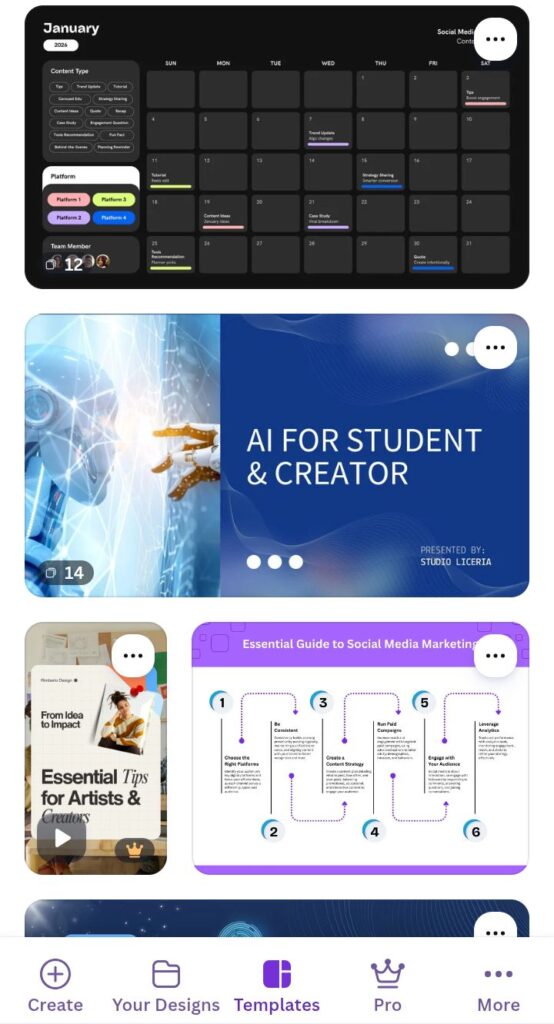
Canva AI gives solo creators the visual output of a full design studio without a steep learning curve. Through Magic Studio, you can generate custom visuals, remove image backgrounds in one click, build presentation slides, and resize one design across YouTube, Instagram, and Pinterest instantly.
- Key Features: Magic Design templates, one-click Background Remover, Magic Switch multi-platform resizing, AI image generation, and Brand Kits.
- Pros: Beginner-friendly drag-and-drop interface, huge library of creator templates, and generous free tier.
- Cons: Magic Switch resizing, Brand Kits, and premium stock elements require Canva Pro.
- Pricing: Free tier available; Canva Pro starts at $15/month.
- Real-Life Creator Example: A YouTube creator designs a bold video thumbnail, an Instagram carousel, and a blog featured image in under 20 minutes using Canva AI templates.
4. Descript — Best AI Video & Podcast Editing Tool
Descript revolutionizes video and audio editing by letting creators edit media just like a text document. Upload your raw video or podcast recording, and Descript automatically transcribes every word—allowing you to cut mistakes, remove “ums” and awkward pauses, add dynamic captions, and clean up microphone audio with Studio Sound.
- Key Features: Text-based video trimming, Studio Sound AI audio enhancement, Eye Contact correction, automatic social clip finder, and dynamic captions.
- Pros: Cuts video editing time by up to 60%, high transcription accuracy, and intuitive workflow for non-editors.
- Cons: Free tier has limited transcription hours; 4K exports and unlimited Studio Sound require a paid plan.
- Pricing: Free tier available; Creator plans start around $16/month (billed annually).
- Real-Life Creator Example: A podcaster records a 45-minute interview, deletes filler words in the text transcript in five minutes, and exports five vertical Shorts with animated captions automatically.
5. Jasper AI — Best for Brand-Consistent Marketing & Campaign Copy
Jasper AI is purpose-built for creators, agencies, and brands that need conversion-focused marketing copy across landing pages, product launches, email sequences, and paid ads while maintaining a consistent Brand Voice.
- Key Features: Custom Brand Voice memory, multi-channel campaign generators, conversion copywriting templates, and team collaboration workspaces.
- Pros: Strong marketing frameworks, reliable brand tone consistency, and fast campaign asset creation.
- Cons: Higher starting price than general chat assistants.
- Pricing: 7-day free trial; paid plans start around $49/month.
- Real-Life Creator Example: A course creator launches a new digital product by feeding Jasper their course syllabus to generate a sales page, five launch emails, and social promo posts in one afternoon. (See more business tools in our Best AI Tools for Small Business Owners in the USA guide.)
6. Midjourney — Best AI Image Generator for Original Editorial Art
Midjourney remains the gold standard among the Top 10 AI Tools for Content Creators in 2026 for generating artistic, photorealistic, and editorial visuals that look nothing like generic stock photos.
- Key Features: High-resolution image synthesis, custom aspect ratios (16:9 for YouTube/blogs, 9:16 for Reels/Shorts), style reference matching, and web editor controls.
- Pros: Exceptional visual detail, rich lighting and composition, and unique aesthetic styles that elevate brand identity.
- Cons: Paid subscription required; takes practice to master descriptive prompt phrasing.
- Pricing: Basic plan starts at $10/month.
- Real-Life Creator Example: A tech blogger generates custom futuristic editorial illustrations for every pillar article, boosting click-through rates on Google Discover and Pinterest.
7. Leonardo AI — Best Customizable AI Art & Asset Platform
Leonardo AI offers creators fine-tuned visual models, transparent PNG asset generation, and real-time canvas editing—making it ideal for YouTubers, game creators, and social media designers who want granular visual control plus a daily free token allowance.
- Key Features: Fine-tuned style presets, Flow State rapid ideation, transparent background generation, and AI canvas outpainting.
- Pros: Free daily generation credits, intuitive web interface, and high customization for thumbnail elements and illustrations.
- Cons: High-volume commercial rendering requires a paid tier.
- Pricing: Free tier with daily tokens; paid plans start around $12/month.
- Real-Life Creator Example: A freelance social media designer generates custom 3D icons and product mockups in Leonardo AI to make client Instagram posts stand out. (Explore more solo creator tools in our Best AI Tools for Freelancers in 2026 guide.)
8. Notion AI — Best All-in-One Creator Workspace & Content Calendar
Notion AI keeps multi-platform creators organized by combining Kanban upload calendars, script databases, brand sponsorship trackers, and AI note summarization inside one unified workspace.
- Key Features: Multi-channel content calendars, AI note summarization, searchable research wikis, and sponsorship deal pipelines.
- Pros: Keeps scripts, sponsor deliverables, and publishing dates connected in one place.
- Cons: Takes 20–30 minutes to customize your initial creator dashboard; unlimited AI responses require an add-on.
- Pricing: Free Notion plan with AI trial responses; Notion AI add-on starts at $10/member/month.
- Real-Life Creator Example: A creator publishing on both YouTube and a WordPress blog tracks video status, affiliate links, and sponsor deadlines in one Notion dashboard. (See more organization tools in our 10 Best AI Productivity Tools for Remote Workers in 2026 guide.)
9. Grammarly — Best AI Proofreading & Clarity Polish Tool
Grammarly protects your credibility across every blog post, YouTube description, newsletter issue, and brand sponsorship email by catching grammar mistakes, typos, and awkward phrasing in real time.
- Key Features: Real-time spelling and punctuation fixes, clarity rewrites, tone detection, and browser/WordPress integration.
- Pros: Strong free version, works across almost every writing app, and saves editing time.
- Cons: Full-paragraph rewrites and plagiarism checks require Grammarly Pro.
- Pricing: Free core plan; Grammarly Pro starts at $12/month (billed annually).
- Real-Life Creator Example: Before sending a brand sponsorship pitch or publishing a long blog post, a creator runs a quick Grammarly check to eliminate typos and tighten sentence flow.
10. Surfer SEO — Best AI Content Optimization Tool for Search Traffic
Surfer SEO helps written content creators rank on page one of Google by analyzing the top search results for any keyword and providing a real-time Content Score (0–100), NLP entity suggestions, and optimal heading structures.
- Key Features: Real-time NLP Content Editor, SERP Analyzer, Topical Map planner, and automated internal link suggestions.
- Pros: Removes guesswork from on-page SEO and helps blog content attract passive organic traffic for years.
- Cons: No free tier; monthly subscription starts around $89/month.
- Pricing: Paid plans start around $89/month.
- Real-Life Creator Example: A niche blogger optimizes every tutorial in Surfer SEO alongside our Best AI Tools for Bloggers in 2026 and Best AI Tools for SEO 2026 workflows to consistently rank in the top 5 Google results.
Free vs. Paid AI Tools: Where Should Creators Start?
You do not need to spend hundreds of dollars on subscriptions when starting out. Follow a simple two-stage approach:
- Stage 1 — Zero-Cost Beginner Stack: Start with ChatGPT Free (ideas and outlines), Canva Free (thumbnails and graphics), Grammarly Free (editing), and Notion Free (content calendar). If you are brand new to AI, check out our Top 5 AI Tools for Beginners in 2026 and Best Free AI Tools 2026 guides.
- Stage 2 — Growth & Monetization Upgrades: Once your channel or blog begins generating ad revenue, affiliate commissions, or sponsorships, upgrade the specific tools that remove your biggest bottleneck—such as Descript for video editing, Canva Pro for fast multi-platform graphics, or Surfer SEO for organic search growth.
5 Common Mistakes Content Creators Must Avoid
- Publishing Unedited AI Copy: Readers immediately recognize generic, unedited AI phrasing. Always inject your personal stories, voice, and real-world opinions.
- Skipping Fact-Checking: AI tools can occasionally cite outdated prices or inaccurate statistics. Verify every claim before hitting Publish.
- Subscribing to Ten Tools at Once: Mastering 2–3 core tools produces far better results than paying for ten dashboards you rarely open.
- Ignoring SEO & Discoverability: Great videos and articles still need strong titles, thumbnails, and keyword alignment to get discovered.
- Chasing Quantity Over Helpful Quality: Publishing one deeply helpful, original guide every week beats flooding your channel with low-effort AI spam.
Frequently Asked Questions (FAQs)
1. What are the Top 10 AI Tools for Content Creators in 2026?
ChatGPT, Claude AI, Canva AI, Descript, Jasper AI, Midjourney, Leonardo AI, Notion AI, Grammarly, and Surfer SEO are the top 10 AI tools for content creators in 2026—covering writing, video editing, graphic design, organization, and SEO.
2. Which AI tools are best for YouTubers in 2026?
YouTubers get the highest ROI from combining ChatGPT (video hooks and scripts), Descript (text-based video editing and captions), Canva AI (high-CTR thumbnails), and Notion AI (upload and sponsorship tracking).
3. Can AI replace human content creators?
No. Audiences subscribe to real personalities, authentic experiences, and trustworthy perspectives. AI speeds up production and editing, while human creativity builds loyal communities.
4. Are free AI tools enough to start creating content?
Yes. Free plans from ChatGPT, Claude AI, Canva AI, Leonardo AI, and Grammarly give new creators everything required to launch a blog, YouTube channel, or social media brand with zero upfront cost.
Final Verdict
The Top 10 AI Tools for Content Creators in 2026 give solo creators the creative speed and production polish that used to require an entire team. By combining AI efficiency with your authentic voice, real experience, and consistent publishing, you can grow faster across every platform.
Start today with ChatGPT, Canva AI, and Grammarly—and expand into Descript, Claude AI, or Surfer SEO as your audience and creator income scale.
Ready to Scale Your Content & Creator Income with AI?
Stop losing hours to repetitive editing, formatting, and brainstorming in 2026. Explore our complete 100+ Best AI Tools in 2026 Directory to discover vetted platforms across every creative category—or learn proven monetization strategies in our guide on how to make money with ChatGPT in 2026. Need custom AI workflow automation or SEO-driven content systems for your brand? Visit AI With Bilal to get started.
About the Author
Muhammad Bilal Malik is an educator, digital strategist, and the founder of AI With Bilal. He shares practical, beginner-friendly guides on artificial intelligence tools, content creation, SEO, and no-code workflow automation to help creators, freelancers, and business owners save time and grow online in 2026.
Good to see Descript on the list — for video creators it’s the one tool here that actually touches the editing timeline. In the talking-video space I’ve been testing a smaller tool called CeleVox for talking photos, which covers the other end of the workflow (creating the presenter instead of editing footage). Your advice about mastering two or three tools instead of ten at once is the real takeaway — spreading thin is where most beginners fail.
Skip to main contentSkip to toolbar
About WordPress
aiwithbilal.com
Ctrl+KOpen command palette
00 Comments in moderation
New
View Post
Rank Math SEO
LatePoint
Howdy, Muhammad Bilal Malik
Screen OptionsHelp
Comments on “Top 10 AI Tools for Content Creators in 2026 (Comp…” View Post
Finish setting up “Simple Contact Form”
We’ve already created this form for you. Finish customising it so it’s ready to collect real submissions.
Edit form
Edit the Thank You message
Set where replies go
Dismiss this notice.
Filter comments listAll (1) | Mine (0) | Pending (0) | Approved (1) | Spam (0) | Trash (0)
Search Comments:
Select bulk action
Bulk actions
Filter by comment type
All comment types
1 item
Comments list
Ordered by Comment Date, descending.
Select All
Author
Sort ascending.
Comment
Submitted on
Sort ascending.
Select comment Ning Ge
celevox.app
fantasybei@gmail.com
122.212.148.254
Good to see Descript on the list — for video creators it’s the one tool here that actually touches the editing timeline. In the talking-video space I’ve been testing a smaller tool called CeleVox for talking photos, which covers the other end of the workflow (creating the presenter instead of editing footage). Your advice about mastering two or three tools instead of ten at once is the real takeaway — spreading thin is where most beginners fail.
Unapprove | Reply | Quick Edit | Edit | Spam | Trash
2026/10/16 at 7:57 pm
Select All
Author
Sort ascending.
Comment
Submitted on
Sort ascending.
Select bulk action
Bulk actions
1 item
Thank you for creating with WordPress.Version 7.1.4